Browser game guide · By Góc Làm Việc Editorial · Sources checked 23 October 2026
Basket Random makes basketball unpredictable by letting loose physics change the feel of each point. Its simple controls do not remove the need to read position. This guide explains shared-device play and gives you an adaptable approach instead of a supposed shot that wins every round.
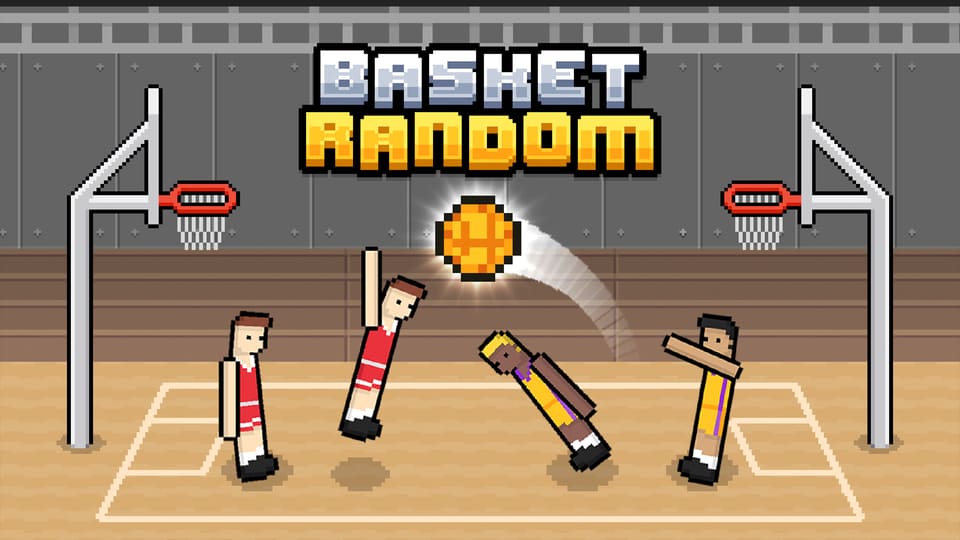
- Game
- Basket Random
- Developer / edition
- RHM Interactive
- Genre
- Ragdoll basketball
- Browser setup
- Keyboard or supported touch browser; local shared-device play
Basket Random controls
Player one uses W; player two uses Up. The single input handles the game’s jump, block and shooting actions through timing. Use the player menus to choose a solo match against the CPU or local two-player play.
Reset your expectations after a point
RHM Interactive’s game can change the court, character proportions and ball behaviour between rounds. Both sides must adapt to the new setup. A comfortable timing pattern from the previous point is therefore a starting guess, not a rule that the next round must follow.
An adaptable point-by-point plan
- Read the new setup. Notice the ball’s position and how your players are standing before pressing repeatedly.
- Choose a purpose. Decide whether the next input is meant to contest the ball, block or create a shooting opportunity.
- Watch the landing. Your position after an attempt matters as much as the first contact.
- Recalibrate quickly. If the ball or players behave differently, adjust timing rather than blaming the controls.
Make a local match easier to learn
Before competing seriously, let each player test the assigned key and a few jumps. Keep enough keyboard space for both hands and agree which side belongs to whom. This is shared-device two-player play; do not mistake it for a promise of online matchmaking with a remote friend. A short match works well as a social break because both players face the same changing conditions.
A practice goal beyond lucky baskets
Try identifying why a point was lost: poor position, mistimed contact or an unexpected bounce. You cannot remove the game’s randomness, but you can avoid repeating the same unexamined input. If you prefer more conventional basketball movement and separate actions, our Basketball Stars guide offers a useful contrast.
Play Basket Random in your browser
The partner player loads only after you press Play. It may show advertising and follows the provider’s privacy terms.
Basket Random FAQ
Can two people play on one keyboard?
Yes. The documented local layout uses W for one player and Up for the other.
Does every round use identical physics?
No. Changing conditions are part of the game, so adjust to the current players, ball and court.
Related browser game guides
Browse all Game Guides & Tips →
Sources and editorial notes
Controls and edition details are based on the linked developer or publisher information. Practice plans are editorial suggestions, not a claim of hands-on testing or a guaranteed result. Builds, controls, availability and advertising can change.