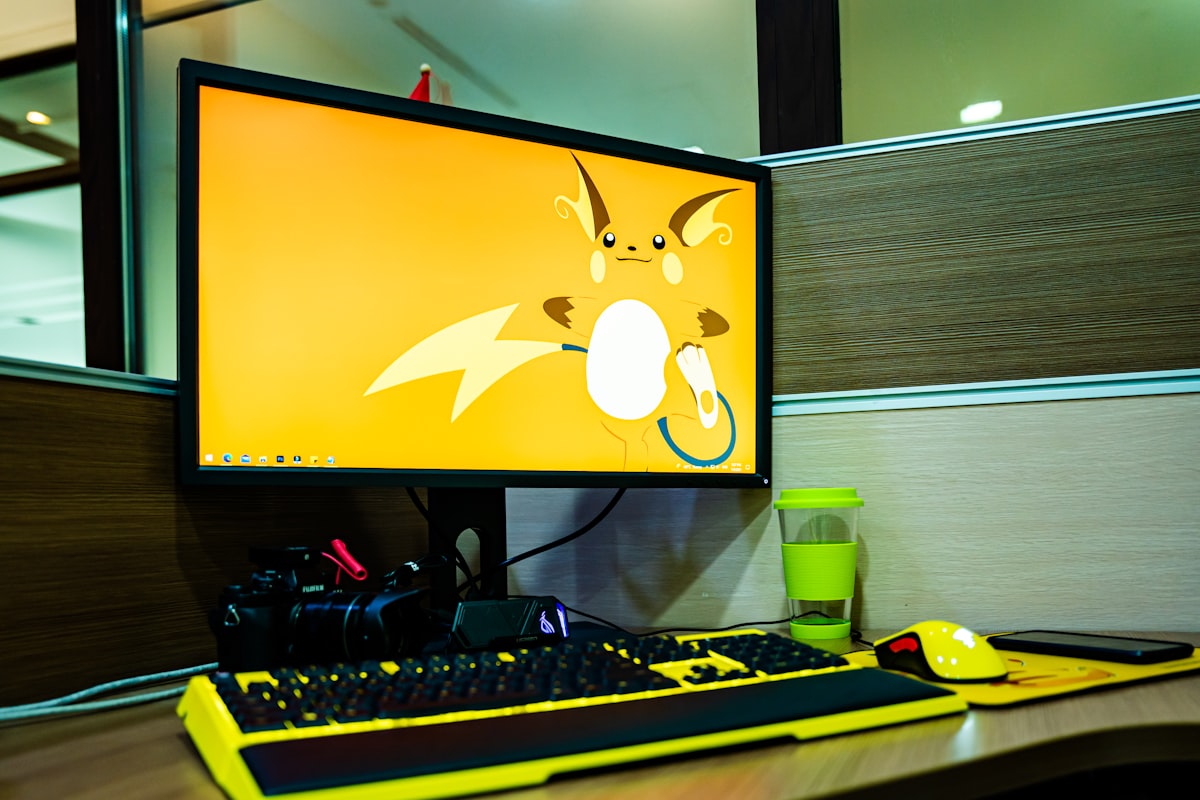
Curved vs. Flat Monitors for Productivity: Eye Strain, Spreadsheets & Distortion
Should your next office monitor be curved? We analyze optical focal arcs, peripheral vision in Excel spreadsheets, graphic design line distortion, and eye fatigue across 1000R to 1800R screens.

1. Understanding Monitor Curvature: What Does ‘1500R’ Mean?
Monitor curvature is measured in millimeters of radius (‘R’). A 1500R curvature means that if you extended the curve into a complete circle, its radius would be 1,500 mm (1.5 meters). The smaller the number, the more pronounced the curve:
- 1800R – 1500R: Gentle, natural curve. Excellent for office productivity, coding, and general multitasking.
- 1000R: Aggressive curve matching the exact biological field of human vision. Highly immersive for flight simulators and racing games, but can feel intense for straight spreadsheet lines.
2. Eye Strain & Focal Distance Consistency
On a wide 34-inch flat monitor, the edges of the display sit approximately 10 to 15 cm further away from your pupils than the center. As your gaze darts back and forth between central documents and peripheral windows, your ocular ciliary muscles must constantly readjust focal depth thousands of times a day, causing dry eyes and ocular fatigue.
A curved panel curves toward you, keeping every single pixel roughly equidistant from your eyes. This matches your natural vision arc and significantly reduces eye fatigue during 8-hour workdays.
3. The Graphic Design Caveat: Straight Line Distortion
If your daily work involves architecture (CAD), print graphic design, or industrial vector drafting, curved displays introduce an optical illusion: physically straight architectural lines appear slightly bent on curved glass. For color-critical print and CAD work, a premium flat IPS panel (like an ASUS ProArt or Dell UltraSharp) remains the professional standard.
Pair your display with glare-free illumination using our BenQ ScreenBar review, and enjoy quick mental breaks with our online casual games.
Key Takeaways for Your Workstation:
Investing in targeted ergonomic adjustments protects your spinal health, eliminates micro-frustrations, and keeps your mind sharp throughout demanding work sprints. Pair a comfortable workstation with regular standing breaks and casual gaming downtime to sustain long-term energy and focus.
Đọc tiếp theo nhu cầu
Đi theo các nhóm nội dung liên quan để đối chiếu thông tin trước khi chọn thiết bị hoặc game: