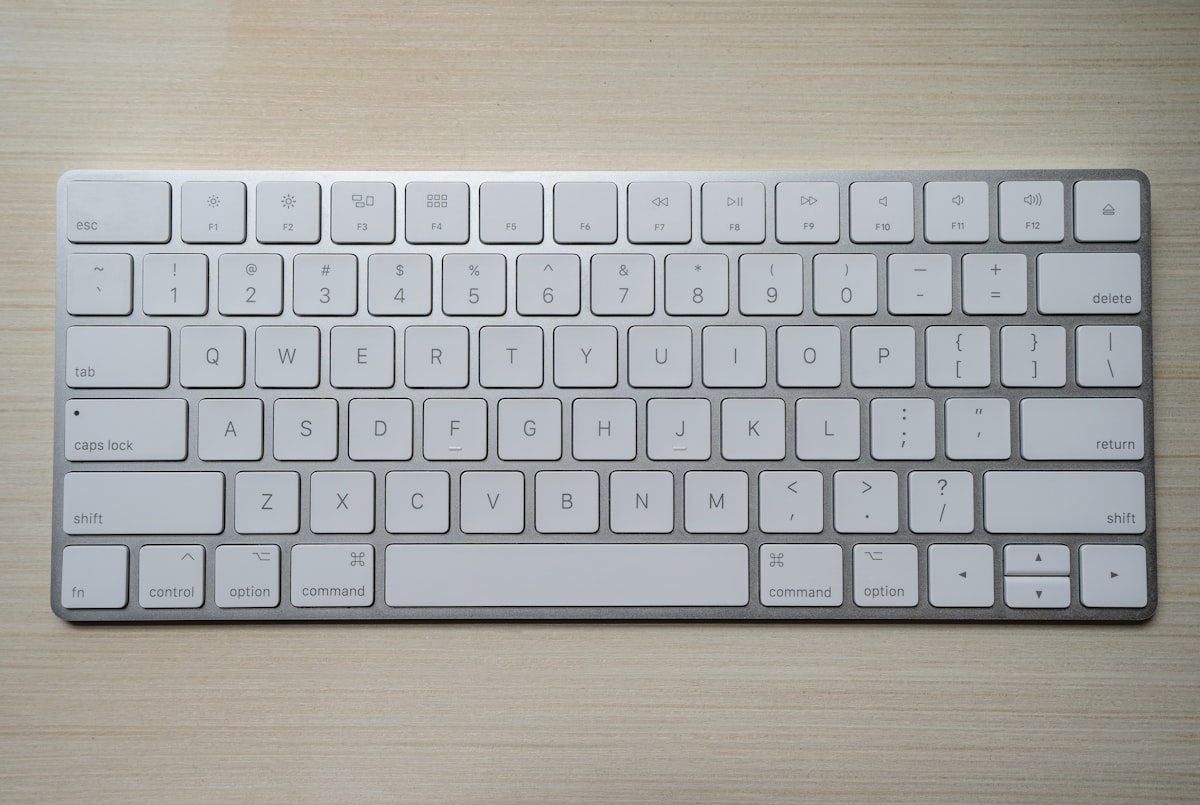
Linear vs. Tactile Switches for Programming: Which Reduces Finger Fatigue?
A deep dive for software developers and long-form writers. Compare Gateron Red, Brown, and silent tactile switches to find out which switch profile boosts typing speed and prevents joint strain.

1. The Mechanical Demands of Software Engineering
Programmers interact with mechanical keyboards differently than gamers or general typists. You frequently press key combinations requiring modifier holds (Ctrl, Alt, Shift, Cmd), burst-type complex bracket syntax, and navigate lines with arrow keys.
Over 10,000 daily keystrokes, bottoming out violently on heavy switches causes joint shock in your knuckles and extensor tendons. Choosing the correct switch profile is an essential ergonomic preventative measure.
2. Tactile Switches: The Precision Typist’s Benchmark
Tactile switches (such as Gateron Brown, Holy Panda, or Boba U4T) feature a subtle physical resistance bump right at the 2.0 mm actuation point. This mechanical feedback informs your brain the instant a keystroke registers, training you not to slam the key all the way down into the metal backplate. This ‘floating’ typing technique dramatically reduces finger impact fatigue.
3. Linear Switches: Smooth, Effortless Gliding
Modern pre-lubed linear switches (like Gateron Yellow or Cherry MX Red) offer consistent resistance with zero tactile bump. Because there is no bump to overcome, typing feels like gliding on butter. Many developers who type with a gentle touch find light linear switches (45g to 50g) faster and less taxing over 8-hour coding sprints.
4. Acoustic Etiquette: Keeping Zoom Calls Quiet
If you work in a shared apartment or participate in frequent Zoom/Slack huddles, clicky blue switches will quickly annoy colleagues. Modern silent tactile switches incorporate internal silicone dampening pads that eliminate bottom-out clack, making them quieter than membrane laptop keyboards.
Explore versatile boards in our Keychron K2 V2 review or test your typing speed with games on our free HTML5 game portal.
Key Takeaways for Your Workstation:
Investing in targeted ergonomic adjustments protects your spinal health, eliminates micro-frustrations, and keeps your mind sharp throughout demanding work sprints. Pair a comfortable workstation with regular standing breaks and casual gaming downtime to sustain long-term energy and focus.
Đọc tiếp theo nhu cầu
Đi theo các nhóm nội dung liên quan để đối chiếu thông tin trước khi chọn thiết bị hoặc game: